Write Smarter Anywhere,
On Any iOS App.

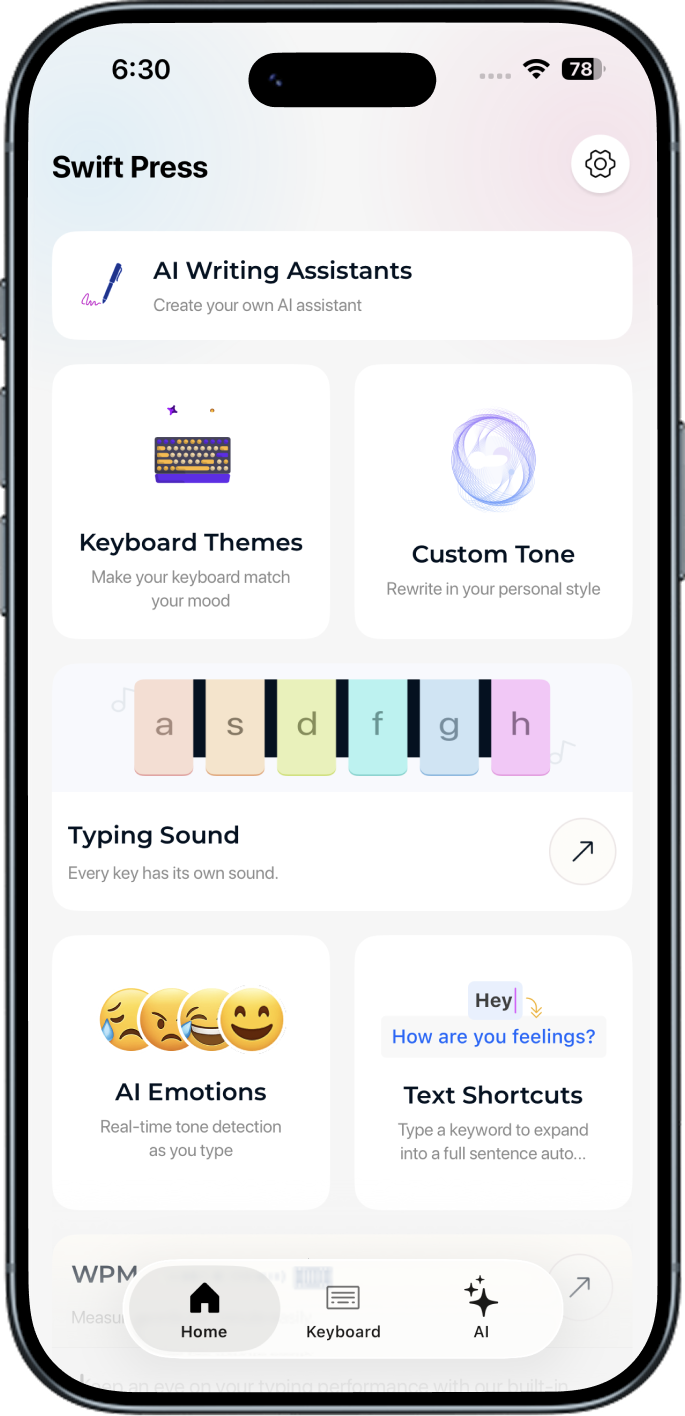
SwiftPress fixes grammar, shifts tone, translates 16 languages, and finishes your sentences straight from the keyboard you already use.

20k+ Writerslove SwiftPress
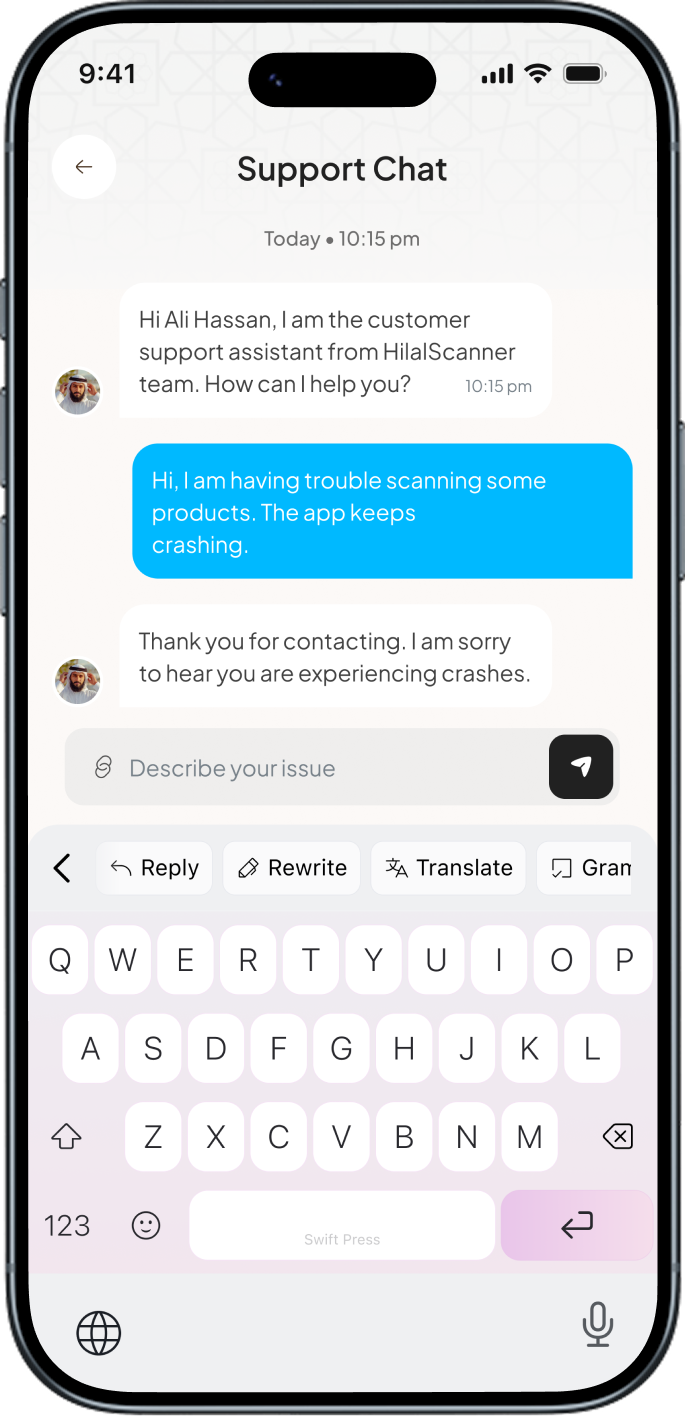
SwiftPress chat
SwiftPress home
SwiftPress translate
AI Assist AvailableWorks in 16 Languages

SwiftPress Intelligence

AI-Typingpowered.

SwiftPress layers a lightweight AI right on top of the iOS keyboard. Rewrite a paragraph, switch tone, translate a sentence, or finish a thought without ever leaving the app you're in.

Learn more about SwiftPress AI โ€บ
SwiftPress home
SwiftPress in chat

Writing is scattered.

Your words live across a dozen apps, each demanding a different tool to fix, polish, or translate.

SwiftPress fixes that.

One keyboard. Every iOS app.
With AI built right in โœฆ

16 languages, 0 app-switches

Reply in any language
without leaving the chat.

๐Ÿ‡บ๐Ÿ‡ธ English
๐Ÿ‡ช๐Ÿ‡ธ Spanish
๐Ÿ‡ซ๐Ÿ‡ท French
๐Ÿ‡ฉ๐Ÿ‡ช German
๐Ÿ‡ฎ๐Ÿ‡น Italian
๐Ÿ‡ต๐Ÿ‡น Portuguese
๐Ÿ‡ธ๐Ÿ‡ฆ Arabic
๐Ÿ‡ฎ๐Ÿ‡ณ Hindi
๐Ÿ‡ฏ๐Ÿ‡ต Japanese
๐Ÿ‡ฐ๐Ÿ‡ท Korean
๐Ÿ‡จ๐Ÿ‡ณ Chinese
๐Ÿ‡ท๐Ÿ‡บ Russian
๐Ÿ‡น๐Ÿ‡ท Turkish
๐Ÿ‡ฎ๐Ÿ‡ฉ Indonesian
๐Ÿ‡น๐Ÿ‡ญ Thai
๐Ÿ‡ป๐Ÿ‡ณ Vietnamese

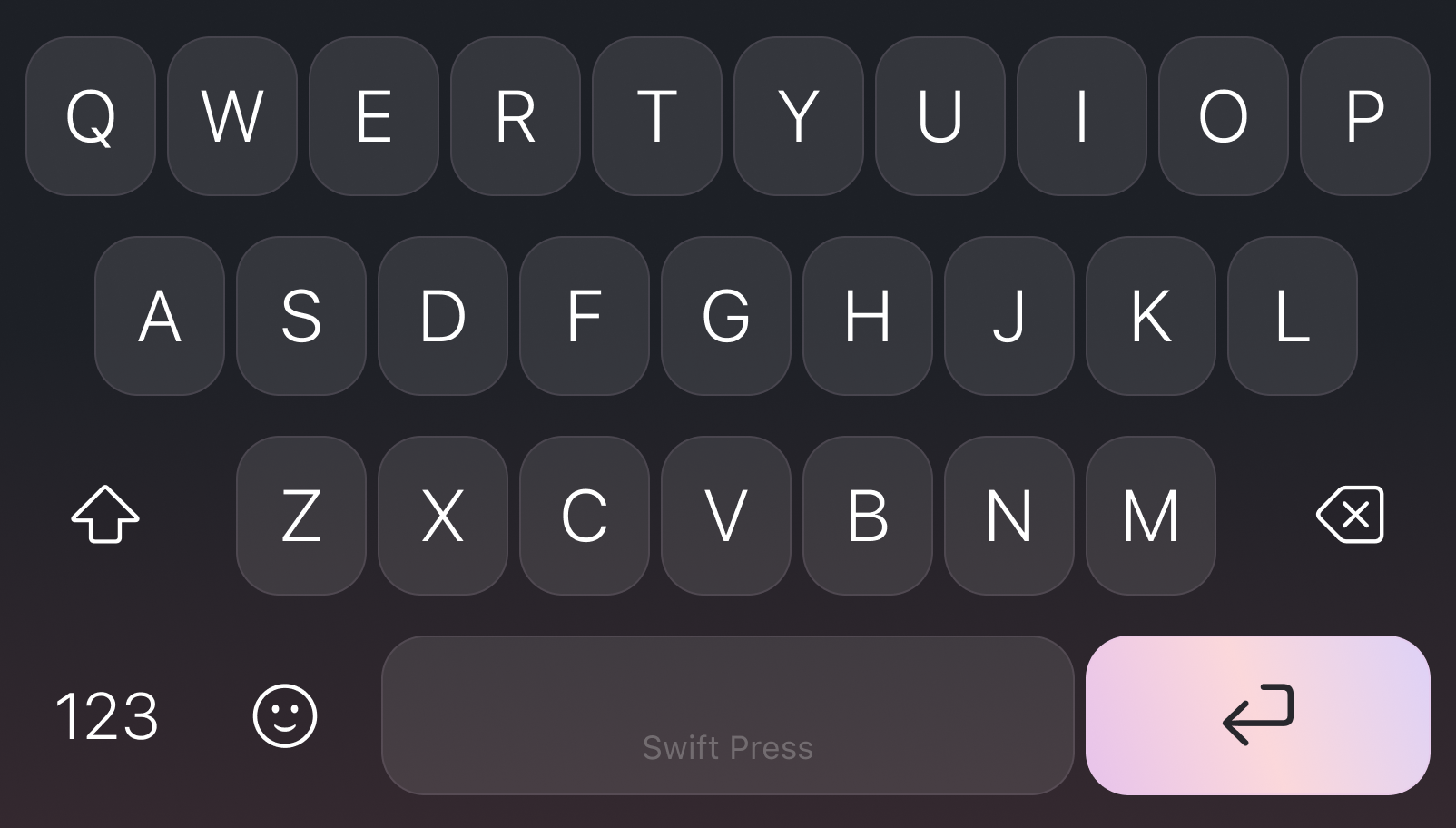
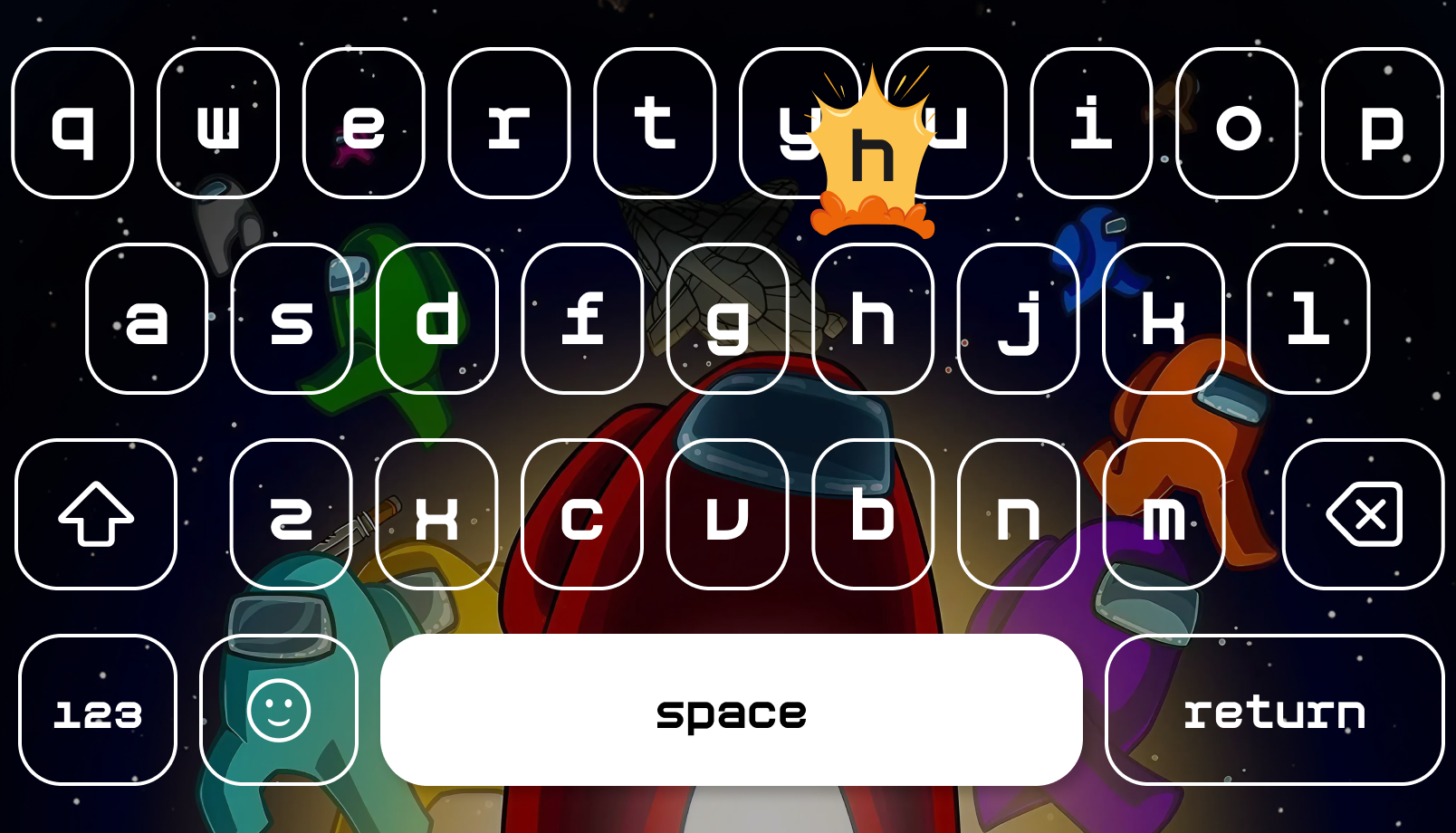
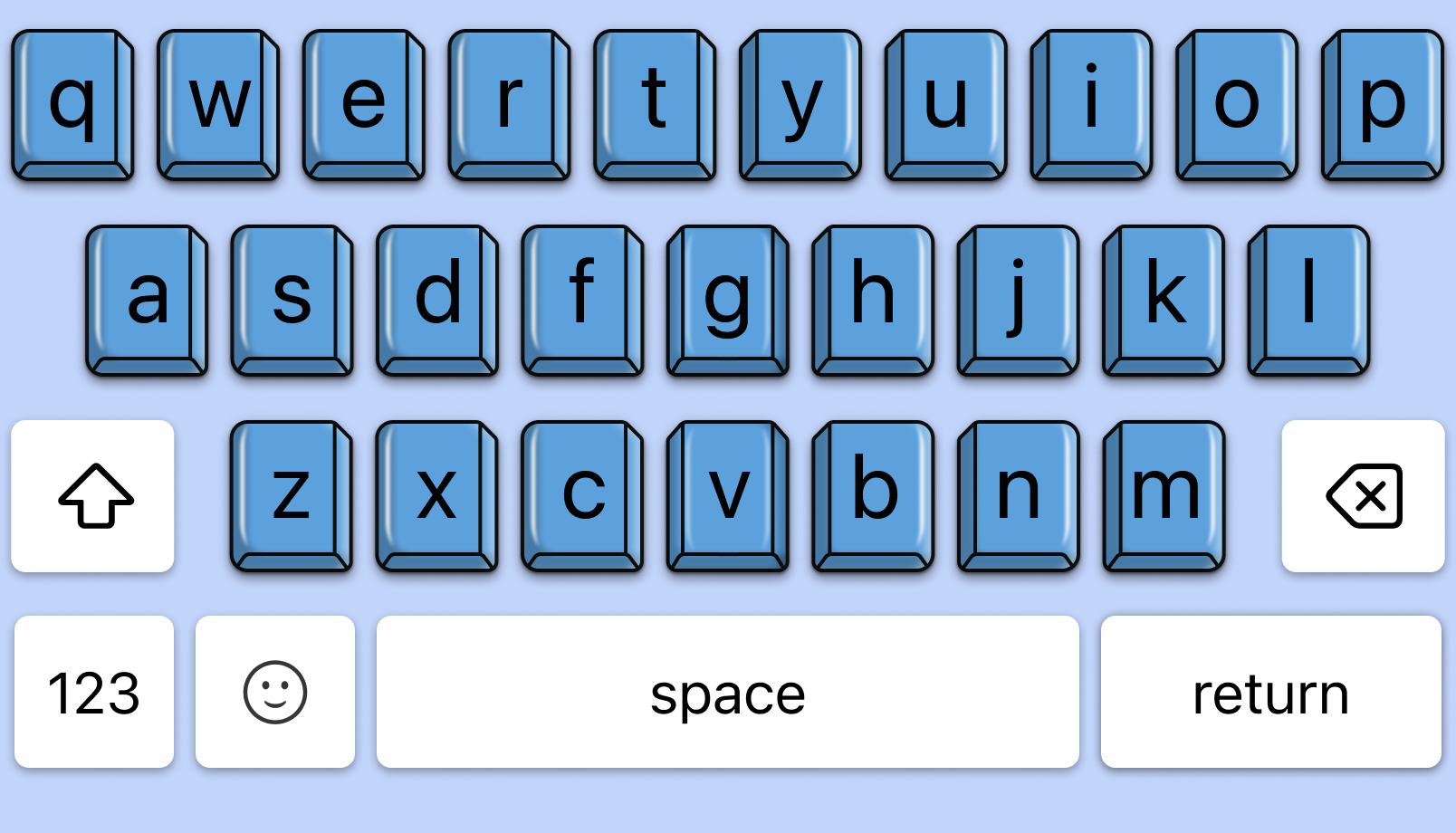
A keyboard that matches your mood.

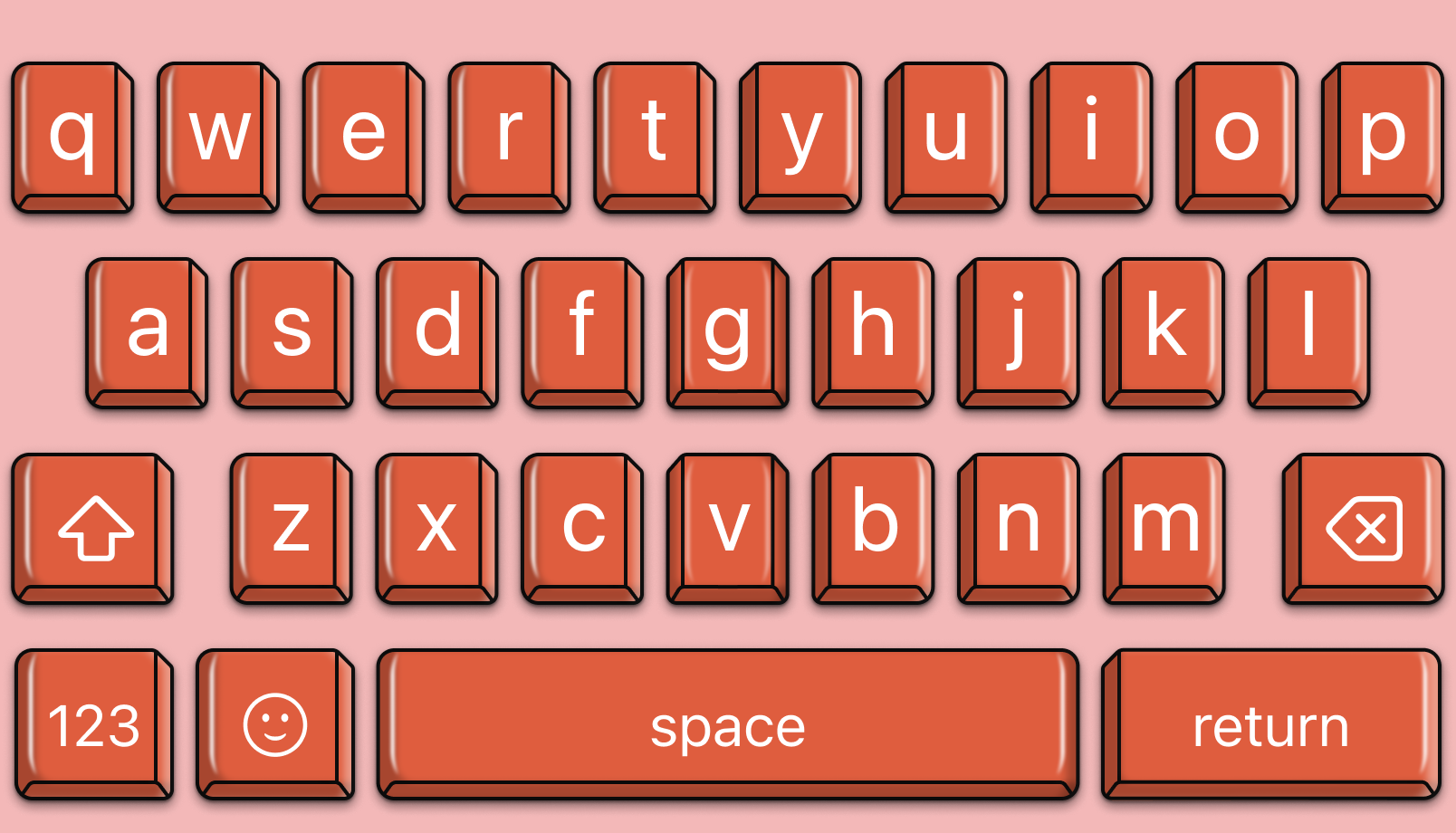
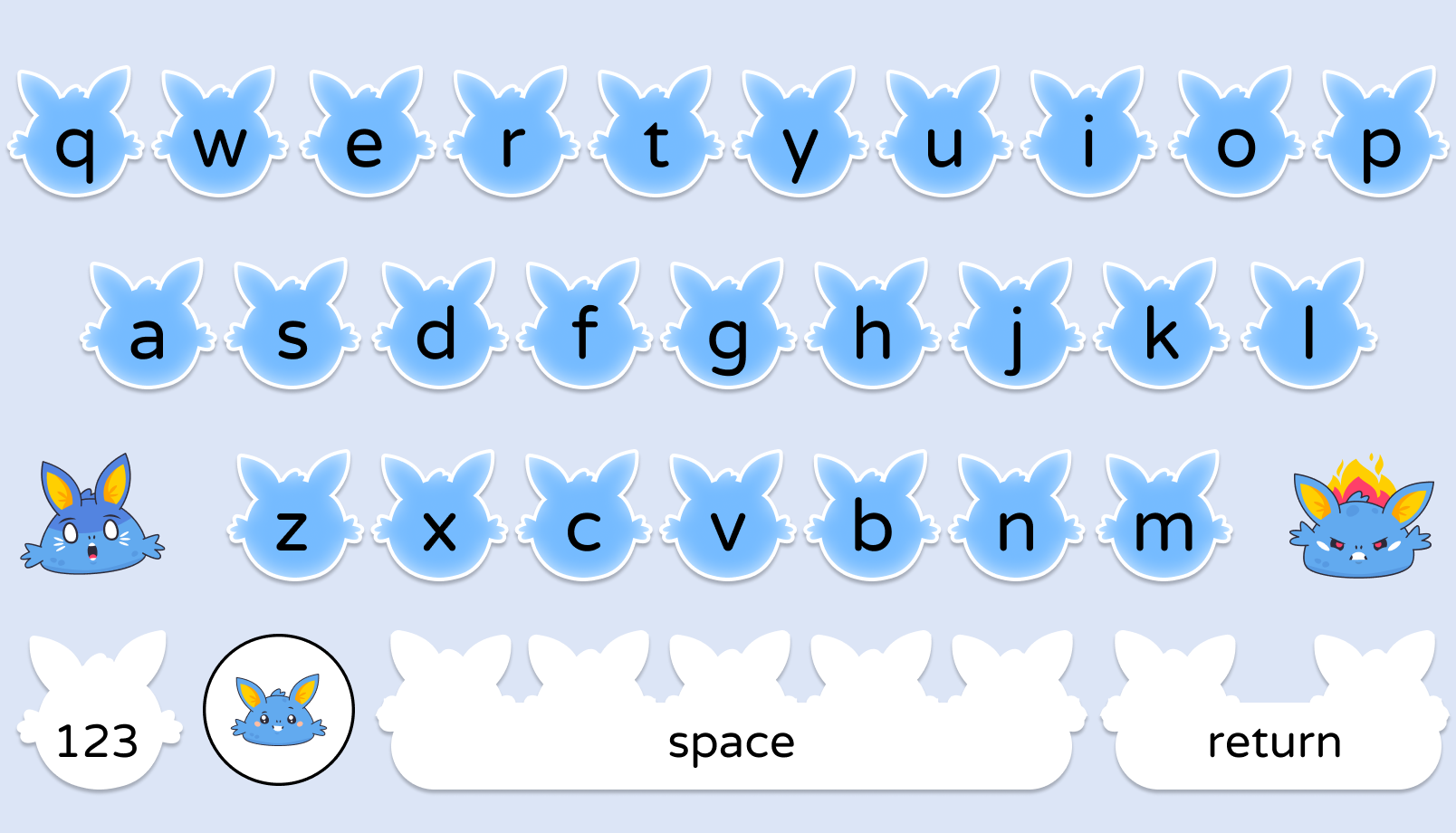
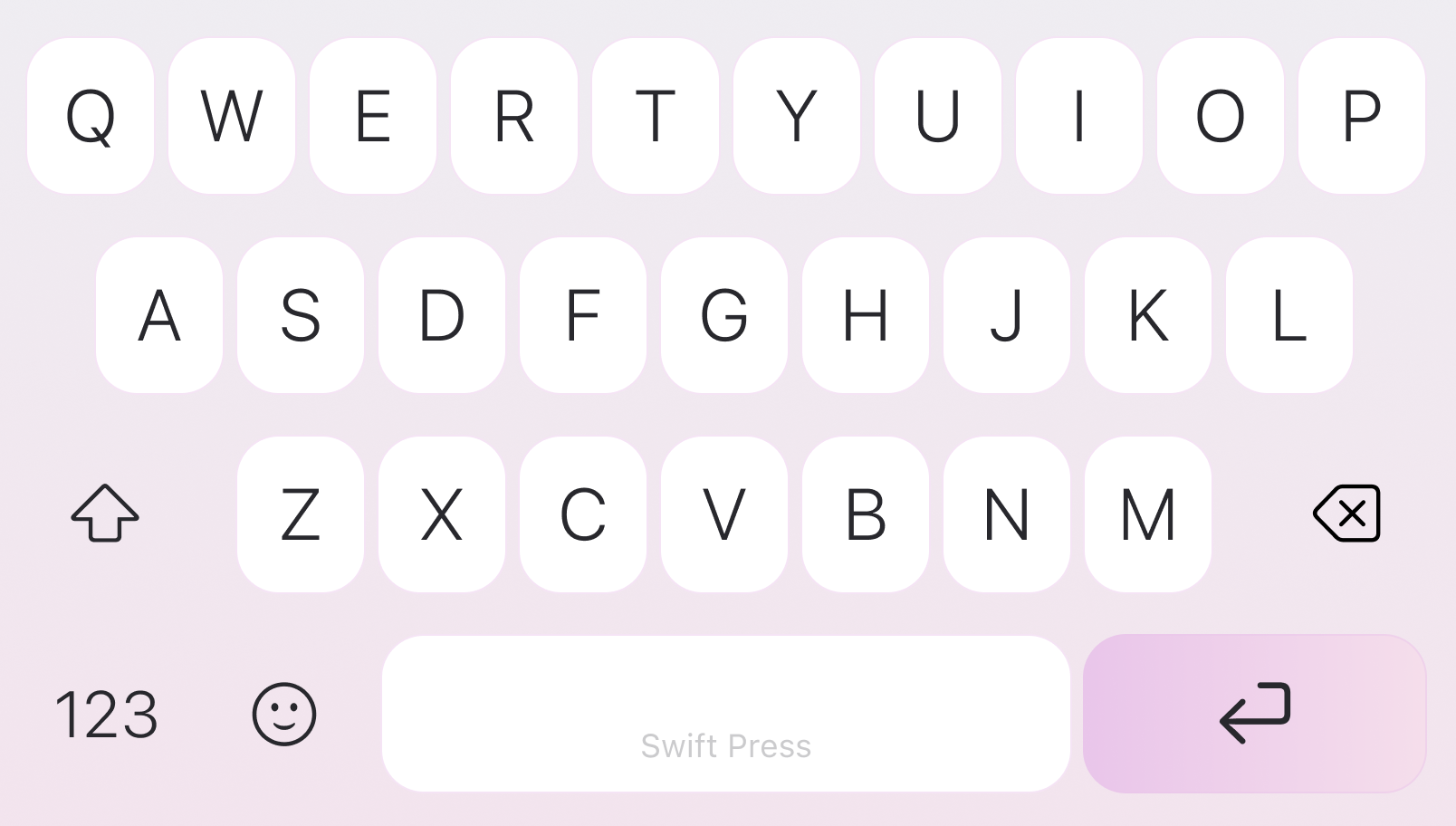
A theme for every mood, infinite combinations. Switch instantly to fit the moment, the app, or just the time of day.

Charcoal keyboardAmong Us keyboardGlossy Blue keyboardCoral keyboardBunny keyboardBlush keyboardCharcoal keyboardAmong Us keyboardGlossy Blue keyboardCoral keyboardBunny keyboardBlush keyboard
Blush keyboardBunny keyboardCoral keyboardGlossy Blue keyboardAmong Us keyboardCharcoal keyboardBlush keyboardBunny keyboardCoral keyboardGlossy Blue keyboardAmong Us keyboardCharcoal keyboard
Charcoal keyboardAmong Us keyboardGlossy Blue keyboardCoral keyboardBunny keyboardBlush keyboardCharcoal keyboardAmong Us keyboardGlossy Blue keyboardCoral keyboardBunny keyboardBlush keyboard
Questions, answered

FAQ

Does SwiftPress see what I'm typing?

Only when you actively tap an AI action. Your keystrokes are never sent anywhere otherwise, never stored on our servers, and never used to train any AI models.

What devices does it work on?

iPhone and iPad running iOS / iPadOS 16.6 or later, plus Mac with Apple Silicon running macOS 13.5 or later.

Do I need an internet connection?

Basic grammar and spelling work offline. AI-powered features (translate, tone, summarize, paraphrase, continue) require a connection to call ChatGPT and Gemini.

Can I use it inside any app?

Yes. SwiftPress is a system-wide keyboard. Tap the ๐ŸŒ globe key to switch to it inside iMessage, WhatsApp, Gmail, Slack, X, Instagram, LinkedIn, Notes, Outlook, Discord, Telegram โ€” anything.

What languages are supported?

16 languages today: English, Spanish, French, German, Italian, Portuguese, Arabic, Hindi, Japanese, Korean, Simplified Chinese, Russian, Turkish, Indonesian, Thai, and Vietnamese. More coming.

Is there really a free trial?

Yes โ€” 3 days, no credit card needed. After that, choose weekly, monthly, or yearly. Cancel anytime in your Apple ID subscriptions.

Built around your privacy.

SwiftPress is designed so the words you type stay yours. Suggestions run on your iPhone whenever possible, sensitive fields like passwords and payments are skipped automatically, and nothing you write is sold, mined, or used to train outside models.

On-device by default

  • No keystrokes ever leave your device
  • Auto-skipped in passwords & payment fields
  • Never used for ads or model training
SwiftPress on iPhone
Ready when you are

Stop typing the long way around.
Get SwiftPress.

Three days free. No credit card. Cancel from Settings in two taps if it isnโ€™t for you.